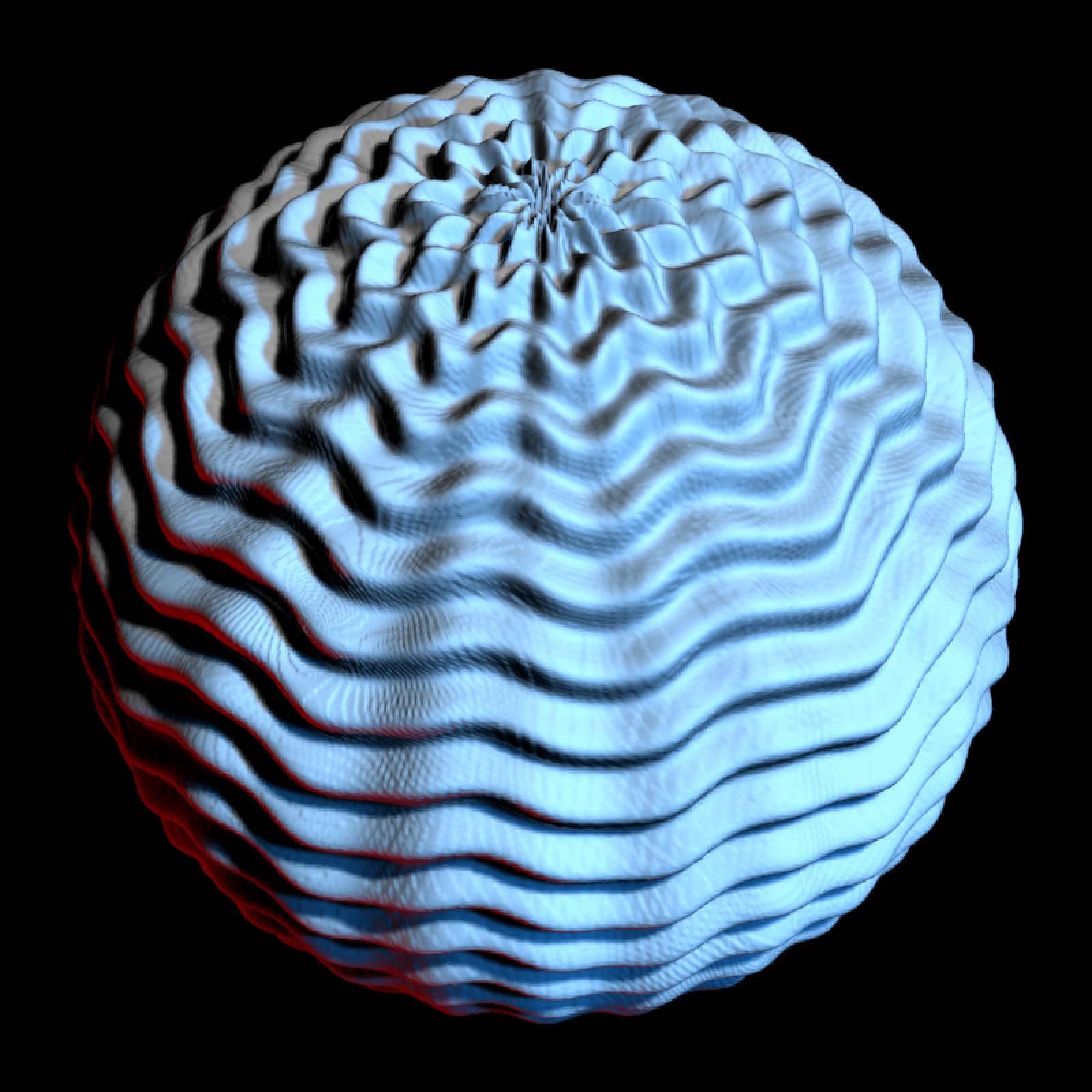
Construct Displacement Sphere
Arguments
- displacement_texture
Image or matrix/array that will be used to displace the sphere.
- displacement_scale
Default
1. Scale of the displacement.- use_cube
Default
FALSE. Whether to use a subdivided cube instead of a UV sphere. Use this if you want to visualize areas near the poles.- cube_subdivision_levels
Default
NA. Number of times to subdivide the cube before projecting it to a sphere. WhenNA, this is calculated from the displacement texture resolution asmax(1, ceiling(log((width * height) / 12) / log(4))), wherewidth * heightis the number of pixels in the texture,12is the number of starting cube triangles, and each subdivision level increases the triangle count by about4.- displace
Default
TRUE. Whether to displace the sphere, or just generate the initial mesh for later displacement.- verbose
Default
TRUE. Whether to print displacement texture information.- position
Default
c(0,0,0). Position of the mesh.- scale
Default
c(1,1,1). Scale of the mesh. Can also be a single numeric value scaling all axes uniformly.- angle
Default
c(0,0,0). Angle to rotate the mesh.- pivot_point
Default
c(0,0,0). Point around which to rotate the mesh.- order_rotation
Default
c(1,2,3). Order to rotate the axes.- material
Default
material_list()(default values). Specify the material of the object.
Value
raymesh object
Examples
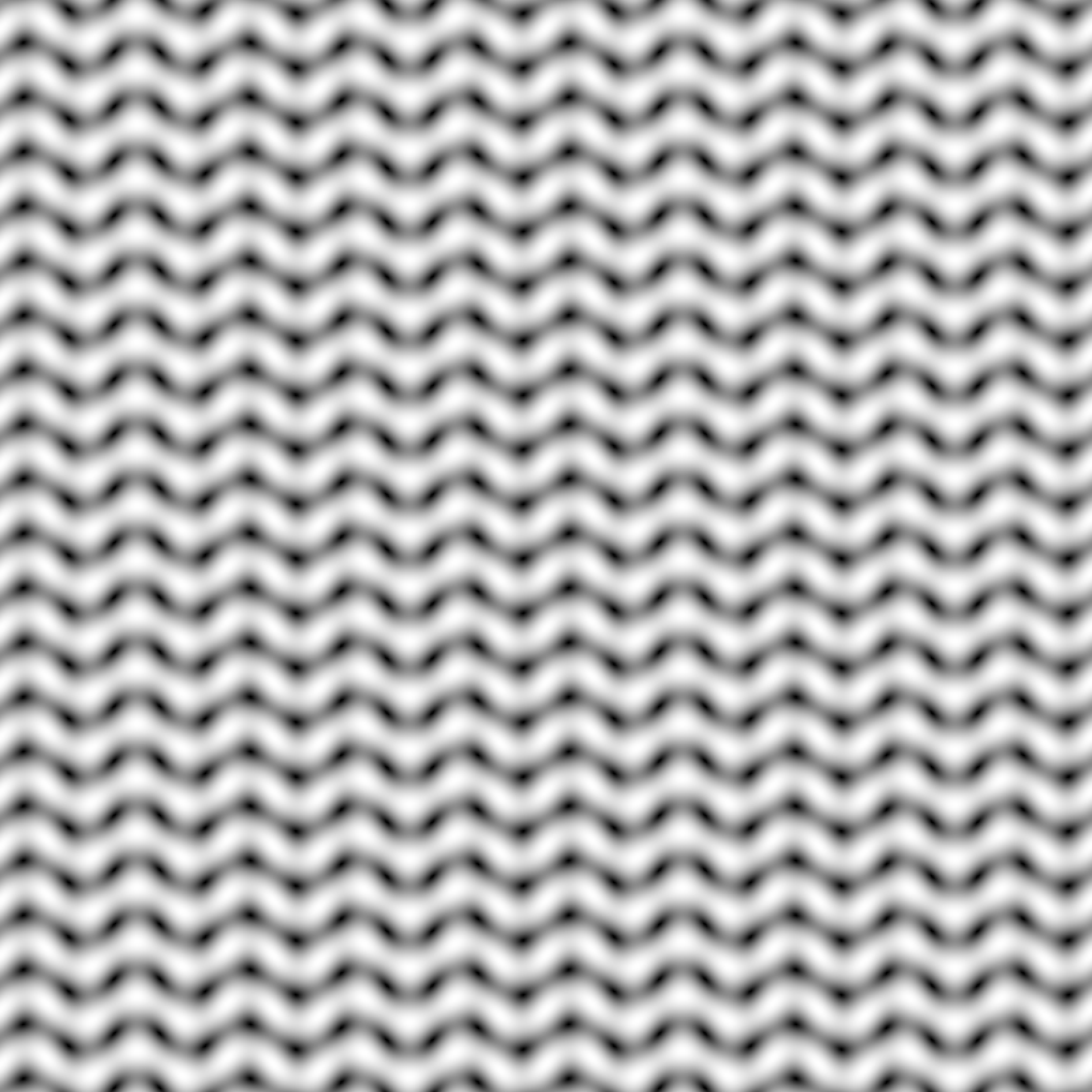
texture_dim = 800
u = seq(0, 2 * pi, length.out = texture_dim)
v = seq(0, 2 * pi, length.out = texture_dim)
knit_texture = outer(u, v, function(x, y) {
sin(10 * x + 0.75 * sin(10 * y))^2 + 0.35 * cos(12 * y)^2
})
knit_texture = (knit_texture - min(knit_texture)) / diff(range(knit_texture))
knit_texture = array(
rep(knit_texture, 3),
dim = c(texture_dim, texture_dim, 3)
)
rayimage::plot_image(knit_texture)
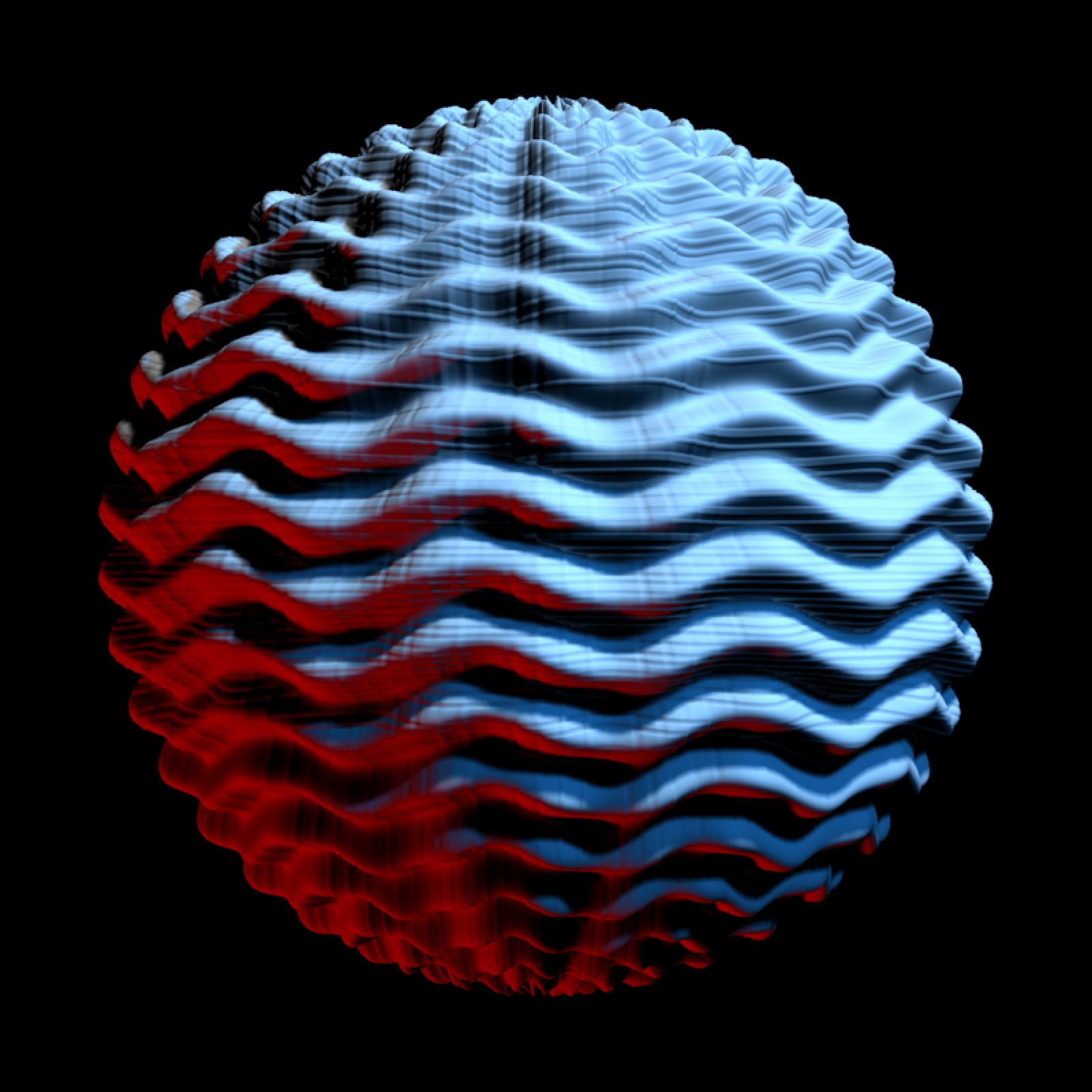
 light_info = directional_light(c(1,1,1), color="dodgerblue",intensity=0.8) |>
add_light(directional_light(c(-1,-1,0.1), color="red",intensity=0.8)) |>
add_light(directional_light(c(0.5,1,0.5),intensity=0.8))
displacement_sphere(knit_texture,
displacement_scale = 0.08, verbose = TRUE) |>
rasterize_scene(light_info = light_info, fov=15)
#> Displacing mesh with 800x800 texture
#> Setting `lookat` to: c(-0.00, -0.00, -0.00)
light_info = directional_light(c(1,1,1), color="dodgerblue",intensity=0.8) |>
add_light(directional_light(c(-1,-1,0.1), color="red",intensity=0.8)) |>
add_light(directional_light(c(0.5,1,0.5),intensity=0.8))
displacement_sphere(knit_texture,
displacement_scale = 0.08, verbose = TRUE) |>
rasterize_scene(light_info = light_info, fov=15)
#> Displacing mesh with 800x800 texture
#> Setting `lookat` to: c(-0.00, -0.00, -0.00)
 #The default sphere has issues near the poles
displacement_sphere(knit_texture, displacement_scale = 0.08) |>
rasterize_scene(light_info = light_info, fov=10, lookfrom=c(0,10,10))
#> Displacing mesh with 800x800 texture
#> Setting `lookat` to: c(-0.00, -0.00, -0.00)
#The default sphere has issues near the poles
displacement_sphere(knit_texture, displacement_scale = 0.08) |>
rasterize_scene(light_info = light_info, fov=10, lookfrom=c(0,10,10))
#> Displacing mesh with 800x800 texture
#> Setting `lookat` to: c(-0.00, -0.00, -0.00)
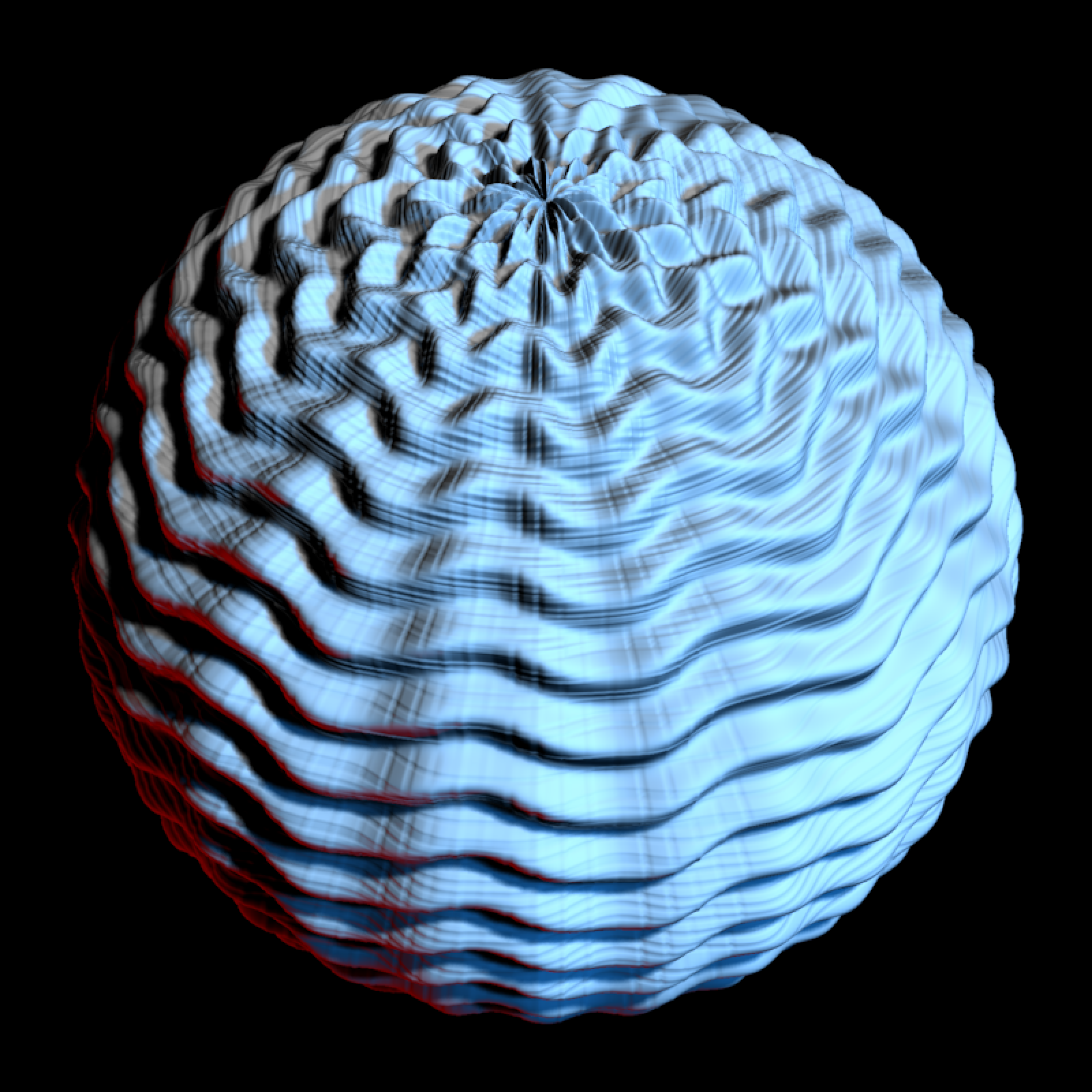 # A cube will render more nicely near the poles
displacement_sphere(knit_texture, use_cube = TRUE, displacement_scale = 0.08) |>
rasterize_scene(light_info = light_info, fov=10, lookfrom=c(0,10,10))
#> Displacing mesh with 800x800 texture
#> Setting `lookat` to: c(-0.00, 0.00, 0.00)
# A cube will render more nicely near the poles
displacement_sphere(knit_texture, use_cube = TRUE, displacement_scale = 0.08) |>
rasterize_scene(light_info = light_info, fov=10, lookfrom=c(0,10,10))
#> Displacing mesh with 800x800 texture
#> Setting `lookat` to: c(-0.00, 0.00, 0.00)